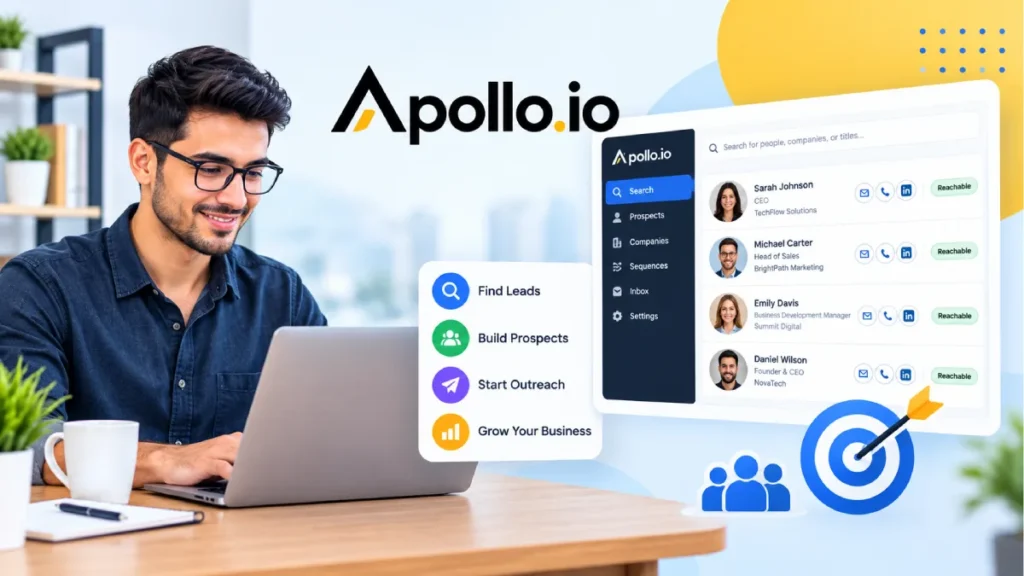
Apollo.io is a popular sales and prospecting platform that helps businesses find potential customers, organize prospects, and manage outreach campaigns. Instead of searching for business contacts manually across different websites, you can use Apollo to search for companies and people based on specific criteria.
For beginners, Apollo can be especially useful for learning B2B lead generation, prospect research, and sales outreach.
In this guide, you will learn how to use Apollo.io step by step, from setting up your account to finding prospects, saving leads, and creating an outreach sequence.
What Is Apollo.io?
Apollo.io is a sales intelligence and engagement platform designed to help users find and connect with potential business customers.
You can use Apollo to:
- Find potential B2B customers
- Search for companies and decision-makers
- Apply filters to narrow your results
- Build targeted prospect lists
- Find professional contact information
- Create outreach sequences
- Manage follow-up tasks
- Use a Chrome Extension for prospecting
- Connect your workflow with tools such as CRM platforms
Apollo’s current prospecting documentation describes its database as containing hundreds of millions of contacts and millions of companies, while providing filters to help users narrow down their ideal prospects.
Why Should You Use Apollo.io?
Finding the right prospects is one of the most important parts of B2B lead generation.
For example, imagine that you provide SEO services and want to find marketing managers at software companies.
Instead of searching Google one company at a time, Apollo allows you to create a targeted search using information such as:
- Job title
- Industry
- Company size
- Location
- Company
- Technology
- Keywords
- Buying intent
- Other available filters
This can make prospect research much more organized and efficient.
However, having access to prospect information does not automatically mean that every prospect is a good lead. You still need to understand your Ideal Customer Profile (ICP) and choose prospects that are relevant to your product or service.
How to Use Apollo.io Step by Step
Step 1: Create an Apollo Account
First, create an account on Apollo.io and log in to your dashboard.
After signing in, take some time to explore the main navigation. Depending on your account and the current Apollo interface, you may see areas for searching, contacts, companies, sequences, tasks, and other sales activities.
Before starting prospecting, it is useful to configure the basics of your account, including your email setup if you plan to use Apollo for outreach.
Apollo’s getting-started guidance recommends connecting a mailbox, creating an email signature, setting up the dialer if needed, and installing the Apollo Chrome Extension.

Step 2: Define Your Ideal Customer Profile
Before searching for leads, decide exactly what type of customer you want to find.
This is called an Ideal Customer Profile, or ICP.
For example, if you offer digital marketing services, your ICP might be:
- Small and medium-sized businesses
- Companies with 10–200 employees
- Companies located in the United States
- Businesses with an active website
- Marketing managers or founders
- Companies interested in improving online visibility
Creating an ICP first helps you avoid collecting thousands of random contacts.
Apollo recommends starting prospecting by identifying your ICP and personas, then using those criteria to create targeted searches.
Step 3: Search for People and Companies
Now go to Apollo’s Search area.
You can search for people or companies depending on what type of prospect you need.
For example, suppose you want to find marketing decision-makers.
You could search for job titles such as:
- Marketing Manager
- Head of Marketing
- Marketing Director
- Chief Marketing Officer
- Founder
You can then combine those job titles with company-related filters.
The goal is not simply to find a large number of contacts. Your goal should be to find relevant prospects who are likely to need your product or service.
Step 4: Apply More Filters
Apollo provides many search filters that can help you narrow your results.
Depending on your prospecting strategy, you may use filters related to:
- Job title
- Location
- Industry
- Company size
- Technologies
- Keywords
- Funding
- Job postings
- Buying intent
Apollo’s documentation specifically recommends using combinations of filters to pinpoint better-fit prospects.
For example:
Industry: SaaS
Location: United States
Company size: 11–200 employees
Job title: Head of Marketing
This type of search can give you a much more focused list than a general search.
Step 5: Review Your Prospects
After applying filters, Apollo will display matching prospects.
Don’t immediately save every contact you see.
Instead, review each prospect and ask:
- Does this person match my target customer?
- Is their job role relevant?
- Does their company fit my target market?
- Could my product or service solve a problem for them?
- Is there enough information available to personalize my outreach?
Quality is generally more important than simply collecting a huge list.
Apollo allows users to take actions from search results, including saving contacts to lists, enrolling them in sequences, enriching contacts, syncing with CRM systems, and exporting data where available.
Step 6: Save Prospects to a List
Once you identify relevant prospects, organize them into lists.
For example, you could create lists such as:
- SaaS Marketing Managers
- E-commerce Founders
- US SEO Prospects
- Startup Decision-Makers
- Digital Marketing Leads
Organizing prospects into separate lists makes future outreach easier.
Apollo also allows users to save searches and configure alerts so that new prospects matching their criteria can be identified over time.
Step 7: Create an Outreach Sequence
After building your prospect list, you can create an outreach sequence.
A sequence is a planned series of outreach activities that can include emails, calls, LinkedIn-related tasks, and other actions.
For example, a simple sequence could look like:
Day 1: Personalized email
Day 3: Follow-up email
Day 6: LinkedIn task
Day 9: Final follow-up
Apollo currently allows users to create sequences from templates, with AI assistance, by cloning an existing sequence, or from scratch.
The important thing is to review and personalize your messages instead of blindly sending generic content.
Step 8: Write a Personalized Email
A good outreach email should be short and relevant.
For example, instead of writing:
“We provide the best marketing services. Would you like to buy our service?”
You could make the message more specific to the prospect’s business.
A simple structure is:
Opening: Mention something relevant about the company.
Problem: Explain a potential problem or opportunity.
Value: Briefly explain how you can help.
CTA: Ask a simple question.
Personalization can make your outreach feel more useful and less like mass spam.
Step 9: Review and Activate Your Sequence
Before activating a sequence, carefully review:
- Email subject lines
- Email content
- Timing between steps
- Personalization
- Target audience
- Sending schedule
- Follow-up messages
Apollo recommends reviewing sequence steps and messaging before activating the sequence.
You should also pay attention to email deliverability and follow applicable email laws and platform policies.
Don’t send irrelevant messages to large numbers of people just because Apollo makes prospecting easier.
Step 10: Track Your Results
After launching your outreach, monitor the results.
Look at metrics such as:
- Emails sent
- Replies
- Meetings booked
- Positive responses
- Follow-up activity
- Sequence performance
If a campaign isn’t performing well, don’t simply send more emails.
Instead, examine your targeting, messaging, offer, subject lines, and timing.
Apollo also provides AI-assisted functionality that can help users review and improve sequence messaging, prioritization, and performance.
How to Use the Apollo Chrome Extension
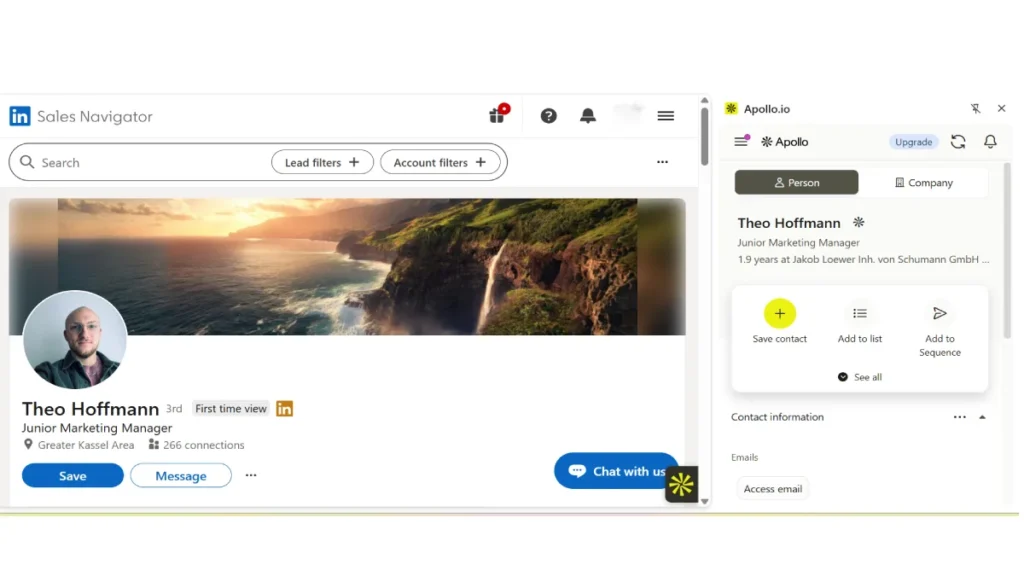
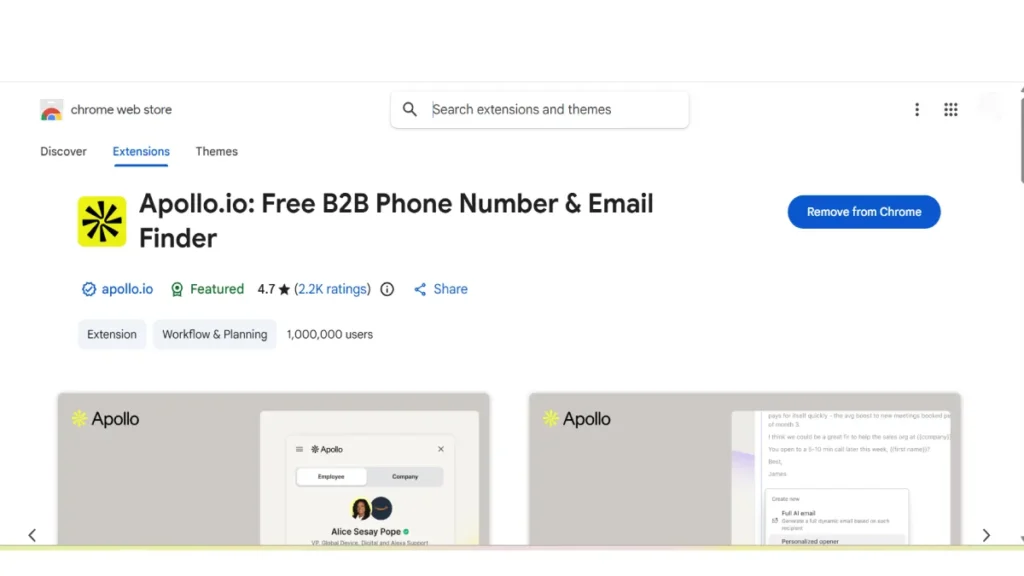
Another useful feature is the Apollo Chrome Extension.
It can help you access Apollo prospecting functionality while browsing websites and can work with tools such as Gmail, Google Calendar, HubSpot, and Salesforce, depending on your setup.
For example, if you are researching a company website, the extension can help you access relevant Apollo information without constantly switching between different tabs.
This can save time during prospect research.
Tips for Using Apollo.io Effectively
Here are some simple tips for beginners:
1. Start With a Clear Target
Don’t search for everyone. Define the type of company and person you want to reach.
2. Use Multiple Filters
Combining filters can help you find more relevant prospects.
3. Focus on Quality
A smaller list of highly relevant prospects can be more useful than a huge list of random contacts.
4. Personalize Your Outreach
Avoid sending exactly the same generic message to everyone.
5. Organize Your Lists
Use different lists for different industries, job roles, or campaigns.
6. Test Your Messaging
Try different subject lines, offers, and messages to understand what gets better responses.
7. Respect Email Best Practices Don’t use prospecting tools as an excuse for unwanted or excessive messaging. Maintain good email practices and respect applicable requirements.