Generating quality leads is one of the most important parts of growing a B2B business. However, finding the right prospects, discovering business email addresses, collecting contact information, and organizing leads can take a lot of time when everything is done manually.
This is where Chrome extensions for lead generation can help.
Instead of switching between multiple websites and copying information manually, lead generation extensions can bring useful prospecting features directly into your browser. Depending on the tool, you may be able to find professional email addresses, collect contact information, enrich prospect profiles, save leads, or transfer prospect data to your sales workflow.
In 2026, popular lead-generation extensions include tools such as Apollo, Hunter, Snov.io, Lusha, Kaspr, ContactOut, and Wiza, although their features and pricing can change over time.
What Are Chrome Extensions for Lead Generation?
Chrome extensions are small browser add-ons that add extra functionality to Google Chrome.
For lead generation, these extensions can help sales professionals, marketers, freelancers, recruiters, and agencies collect useful business information while browsing websites.
For example, imagine that you are visiting a company’s website and want to find the email address of someone working there. Instead of opening another website and searching manually, an email-finder extension may allow you to perform the lookup directly from your browser.
Some extensions also work with LinkedIn or Sales Navigator and can provide additional information about prospects. Others focus on websites, email discovery, CRM integration, or lead enrichment.
The main purpose is simple:
Spend less time collecting data and more time qualifying and communicating with potential customers.
Why Use Chrome Extensions for Lead Generation?
Traditional lead generation can involve several repetitive steps:
- Search for a company.
- Find the right employee.
- Visit the company website.
- Search for contact information.
- Verify the email address.
- Copy the information into a spreadsheet or CRM.
- Start the outreach process.
A Chrome extension can reduce some of these manual steps.
Here are several benefits.
1. Save Time
Lead-generation extensions can reduce repetitive research. Instead of manually copying information from multiple pages, you can often collect relevant details from the page you are already viewing.
2. Find Business Contact Information
Many lead-generation extensions specialize in discovering professional email addresses and other business contact information.
3. Research Prospects Faster
Some tools provide additional information about a prospect or company, helping you decide whether a lead matches your target customer profile.
4. Improve Your Workflow
Some extensions connect with CRMs or other sales platforms, allowing prospect information to move into your existing workflow.
5. Reduce Manual Data Entry
When an extension can transfer information directly into a CRM or prospecting platform, you may spend less time copying and pasting information.
7 Best Chrome Extensions for Lead Generation
The best extension depends on what you want to accomplish. There is no single tool that is ideal for every lead-generation workflow.
Here are seven popular options to consider.
1. Apollo.io
Best for: B2B prospecting and contact enrichment
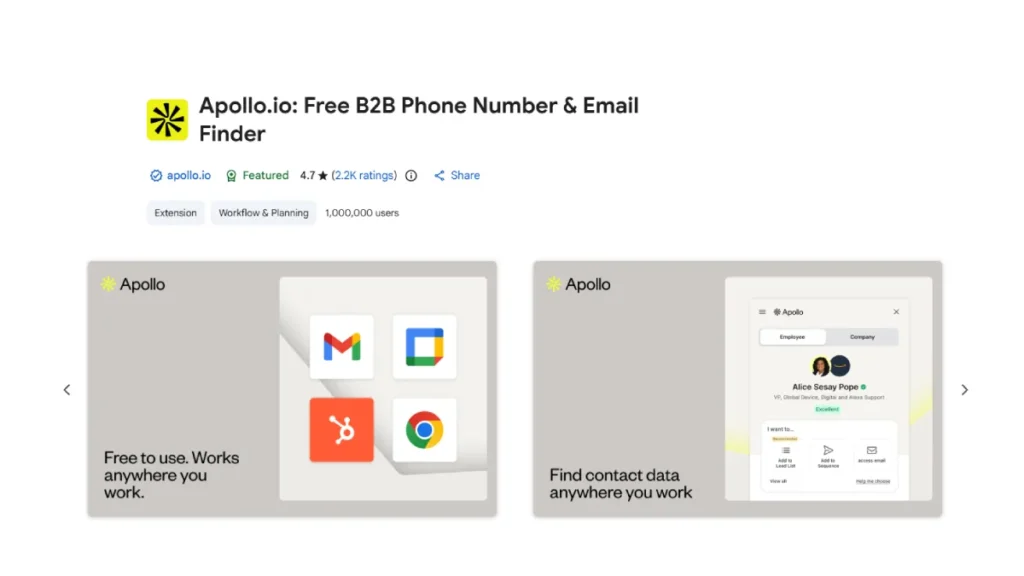
Apollo is a sales intelligence and prospecting platform that also provides a Chrome extension.
The extension can help users research prospects while browsing supported websites and professional profiles. Apollo combines prospect information with broader sales and engagement features, making it useful for businesses that want more than a simple email finder.
According to recent industry comparisons, Apollo is used for B2B prospecting, contact data, and sales workflows.
Key Features
- Contact discovery
- Business email information
- Company information
- Prospect research
- Lead enrichment
- CRM and sales workflow features
Who Should Use Apollo?
Apollo can be useful for B2B sales teams, agencies, freelancers, and marketers who want prospecting and sales features in one platform.
2. Hunter
Best for: Finding professional email addresses
Hunter is particularly useful when your main goal is finding professional email addresses.
The Chrome extension allows users to investigate email information associated with websites they visit. Hunter also provides domain-based email discovery and verification features.
Recent 2026 comparisons continue to list Hunter among the commonly used email-finder Chrome extensions.
Key Features
- Email discovery
- Domain search
- Email verification
- Name-based email lookup
- Website-based prospecting
- Email confidence information
Who Should Use Hunter?
Hunter is a practical option for freelancers, marketers, agencies, and small sales teams that primarily need professional email discovery.
For example, if you are researching a company website, you can use Hunter to investigate publicly available professional email information associated with that domain.
3. Snov.io
Best for: Lead generation and email outreach
Snov.io combines lead generation, email discovery, verification, and outreach features.
Its LinkedIn-focused prospecting extension can help users collect prospects and discover professional email information while researching profiles. Recent comparisons describe Snov.io as a tool that combines LinkedIn prospecting with email outreach and verification features.
Key Features
- Lead generation
- Email finder
- Email verification
- LinkedIn prospecting
- Email campaigns
- Lead management
Who Should Use Snov.io?
Snov.io may be useful if you want to combine lead collection and email outreach instead of using separate tools for every step.
4. Lusha
Best for: B2B contact information
Lusha is another popular contact-data platform used by sales and marketing teams.
Its browser extension can help users discover business contact information while researching prospects.
Recent comparisons list Lusha among extensions used for contact enrichment and B2B prospecting.
Key Features
- Business email discovery
- Contact information
- Company information
- Prospect enrichment
- Lead generation
Who Should Use Lusha?
Lusha can be considered by sales professionals and B2B marketers who need contact information as part of their prospecting process.
5. Kaspr
Best for: LinkedIn-based prospecting
Kaspr is focused heavily on LinkedIn prospecting and contact discovery.
It can help users find contact information while researching professional profiles. Some current comparisons highlight Kaspr particularly for LinkedIn prospecting and contact data.
Key Features
- LinkedIn prospecting
- Contact discovery
- Email information
- Phone information
- Lead collection
Who Should Use Kaspr?
Kaspr may be useful for salespeople, recruiters, and agencies that spend significant time researching potential contacts on LinkedIn.
6. ContactOut
Best for: Finding contact details from professional profiles
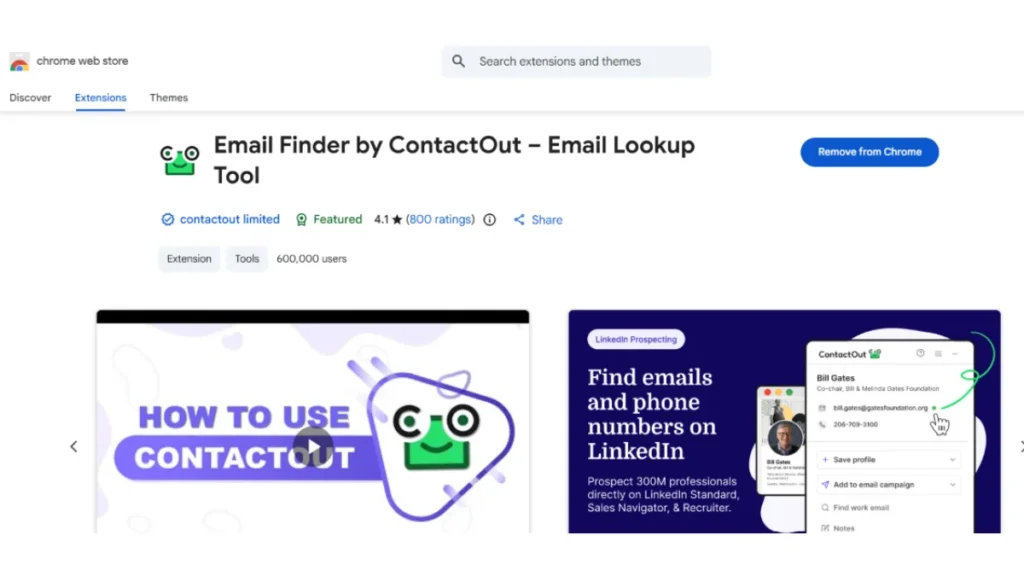
ContactOut focuses on discovering contact information associated with professional profiles.
Recent comparisons describe it as a LinkedIn-oriented contact-finding tool that can surface business and personal contact information, depending on availability and applicable data rules.
Key Features
- Email discovery
- Phone information
- LinkedIn prospecting
- Contact search
- Lead collection
Who Should Use ContactOut?
Recruiters, sales professionals, and agencies may find this type of extension useful when researching individual prospects.
7. Wiza
Best for: Sales Navigator prospecting and lead export
Wiza is designed around prospecting workflows involving LinkedIn and Sales Navigator.
Recent 2026 comparisons describe Wiza as a tool for Sales Navigator-based prospecting, contact enrichment, and exporting lead information.
Key Features
- Sales Navigator prospecting
- Email discovery
- Lead enrichment
- Bulk prospect workflows
- Lead export
- CRM integrations
Who Should Use Wiza?
Wiza may be useful for sales teams that already use LinkedIn Sales Navigator and want to move prospect information into another sales or CRM workflow.
Chrome Extensions for Lead Generation: Quick Comparison
| Chrome Extension | Best For | Main Use |
| Apollo | B2B prospecting | Contacts, enrichment and sales workflow |
| Hunter | Email discovery | Finding professional emails |
| Snov.io | Lead generation | Email finding and outreach |
| Lusha | Contact enrichment | Business contact information |
| Kaspr | LinkedIn prospecting | Contact discovery |
| ContactOut | Profile research | Email and phone discovery |
| Wiza | Sales Navigator | Prospecting and lead export |
Features, free plans, pricing, and availability can change, so check each provider’s current documentation before choosing a paid plan.
How to Choose the Right Lead Generation Chrome Extension
Choosing a tool becomes easier when you first identify your main problem.
If You Mainly Need Email Addresses
Consider an email-focused tool such as Hunter.
If You Need a Complete B2B Prospecting Workflow
A platform such as Apollo may make more sense because it combines prospect data with additional sales functionality.
If You Want Lead Generation Plus Email Outreach
Snov.io can be considered because lead discovery, verification, and outreach are connected within the same ecosystem.
If You Spend Most of Your Time on LinkedIn
Tools such as Kaspr, ContactOut, Apollo, or Wiza may fit better depending on the exact workflow you need.
If You Use Sales Navigator
A Sales Navigator-focused workflow can make tools such as Wiza particularly relevant.
Important Things to Check Before Installing an Extension
Not every Chrome extension is equally useful or trustworthy.
Before installing a lead-generation extension, consider the following factors.
1. Check Permissions
Read the permissions requested by the extension.
If an extension requests broad access to websites or browsing information, understand why that access is required before installing it.
2. Check Data Sources
Contact information can become outdated.
A good lead-generation workflow should include appropriate verification rather than assuming every email address is current.
3. Check Privacy Policies
Lead-generation tools handle business and sometimes personal information. Review how the provider says it collects, stores, and processes data.
4. Check Integrations
If you use HubSpot, Salesforce, Pipedrive, or another CRM, check whether the extension supports your workflow.
5. Avoid Unnecessary Automation
Some browser tools automate actions such as profile visits, connection requests, or messages. Automation can create platform-policy and account-risk considerations, particularly on LinkedIn. Recent industry guides distinguish simple contact-finding tools from extensions that automate LinkedIn actions.
Use tools responsibly and review the applicable platform terms before using automation features.
How to Use Chrome Extensions for Lead Generation
A simple workflow can make these tools more effective.
Step 1: Define Your Ideal Customer
Before collecting leads, decide what type of customer you want.
For example:
- Industry
- Company size
- Job title
- Location
- Business type
Step 2: Find Potential Companies
Use Google, LinkedIn, company directories, or other relevant sources to identify potential businesses.
Step 3: Research the Decision Maker
Find the person who is most relevant to your product or service.
Step 4: Use an Extension for Contact Research
Use an appropriate extension to discover available professional contact information.
Step 5: Verify the Information
Do not assume that every discovered email is accurate. Verify contact information before sending business communications.
Step 6: Organize Your Leads
Save relevant information in a spreadsheet or CRM.
Useful fields may include:
- Full name
- Job title
- Company
- Website
- Business email
- LinkedIn profile
- Lead source
- Notes
Step 7: Personalize Your Outreach
Avoid sending the exact same generic message to every prospect.
Use information about the company or person’s role to make your communication relevant.
Best Practices for Chrome-Based Lead Generation
Chrome extensions can save time, but the quality of your lead-generation process still depends on how you use the information.
Focus on Lead Quality
Collecting thousands of contacts is not necessarily better than building a smaller list of relevant prospects.
Verify Contact Information
Email verification can reduce problems caused by outdated or invalid addresses.
Keep Your Data Organized
Use consistent fields and remove duplicate leads regularly.
Personalize Your Outreach
A relevant message is generally more useful than a generic bulk message.
Respect Privacy and Platform Rules
Make sure your prospecting and communication practices comply with applicable privacy requirements and the terms of the platforms you use.
Don’t Install Too Many Extensions
Using many extensions simultaneously can make your browser slower and may create overlapping permissions or workflows. Some current guidance recommends keeping the active extension stack relatively small and reviewing permissions carefully.
Frequently Asked Questions
What is the best Chrome extension for lead generation?
There is no single extension that is best for every lead-generation workflow. Apollo is oriented toward broader B2B prospecting, Hunter toward email discovery, Snov.io toward lead generation and outreach, and tools such as Kaspr, ContactOut, and Wiza toward particular contact or LinkedIn-related workflows.
Can Chrome extensions find business emails?
Yes. Several lead-generation extensions are designed to discover professional email addresses from websites or professional profiles.
Are Chrome extensions useful for B2B lead generation?
Yes. They can reduce repetitive research and help users collect or enrich prospect information directly from their browser.
Are lead-generation Chrome extensions free?
Some provide free plans or limited credits, while others require a paid subscription for higher usage or advanced features. Pricing and free allowances can change, so check the provider’s current plan before purchasing.
Can I use these extensions with LinkedIn?
Many lead-generation extensions support LinkedIn-related prospect research. However, features involving scraping or automated actions can have additional platform-policy considerations. Always review LinkedIn’s current terms and the extension’s documentation before using automation.